Why Keeping a Personal Firearms Record Matters
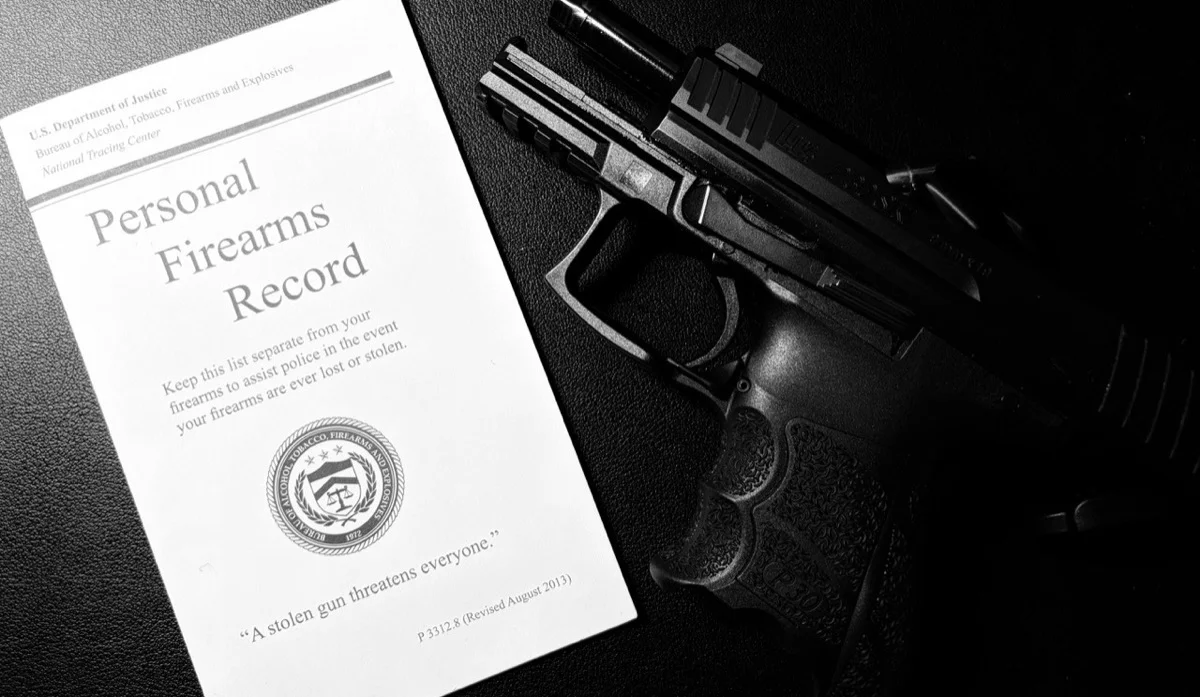
Most gun owners are careful about storage, safety, and training — but many overlook something just as important: keeping a personal firearms record.
The U.S. Department of Justice and the Bureau of Alcohol, Tobacco, Firearms and Explosives recommend that firearm owners keep a list of their firearms, including make, model, and serial number. This isn't about legal requirements — it's about common sense and preparedness.
Each year, hundreds of thousands of firearms are reported lost or stolen in the U.S. When that happens, the first thing law enforcement asks for is identifying information. Unfortunately, many owners don't have it. Without serial numbers or clear descriptions, recovery becomes far less likely — and stolen firearms are harder to trace if they turn up later.
Records also matter for insurance claims. If firearms are stolen in a burglary, damaged in a fire, or lost in a natural disaster, insurers typically require detailed documentation to process a claim. Trying to remember exact models or values after the fact is stressful and often incomplete.
There's also peace of mind. A personal firearms record helps prove ownership, document when a firearm left your possession, and protect you if a stolen gun is ever misused. For families, it simplifies estate planning and ensures loved ones aren't left guessing about what was owned and what needs to be handled responsibly.
In short: keeping track of your firearms isn't about fear or bureaucracy — it's about being prepared, protecting yourself, and acting responsibly.
Paper Records, PDFs, and Spreadsheets (Common Starting Points)
Many gun owners begin with a printable firearm record, an Excel spreadsheet, or the ATF Personal Firearms Record booklet. These firearm inventory sheets usually include fields for firearm type, manufacturer, model, serial number, and purchase date.
For some people, a PDF or printable gun inventory sheet works as a starting point. However, paper records can be lost or damaged, and spreadsheets are easy to forget or stop updating — especially when they live on a single computer.
This is where a digital alternative can help.
How to Keep Firearms Records with the RangeReady App
RangeReady is a privacy-first personal firearms record app, designed as a modern alternative to paper record booklets, PDFs, and spreadsheets.
By default, all firearm records stay only on your device. They are not uploaded to any servers, and no account is required. Nothing is shared or synced unless you explicitly turn it on. This design is intentional: your firearm data remains under your control at all times.
To create a firearm record, add a new firearm and fill in the basics:
- Firearm Type
- Manufacturer
- Model
- Caliber
If your manufacturer isn't listed, you can tap "Add Custom Manufacturer" and enter it manually.
Once the firearm is created, open it from the list and tap the Edit button (pen icon). This is where you can add important details like serial number, purchase date, and notes.
Backups & Data Control
Because RangeReady stores data locally by default, backups are your choice.
If you don't enable Cloud Sync, it's important to create backups occasionally:
- Go to Settings → Backup & Restore
- Choose what data to export (for example, just Firearms)
- Tap Export Data
Backups can be saved in HTML or CSV format and later imported if you reinstall the app or move to a new device.
This approach gives you full control: local-only by default, optional sync if you want it.
Get Started with a Private Personal Firearms Record
If you're currently using a printable firearm inventory sheet, spreadsheet, or paper booklet, RangeReady offers a simpler and more reliable way to keep the same information — without giving up privacy.


Keep reading
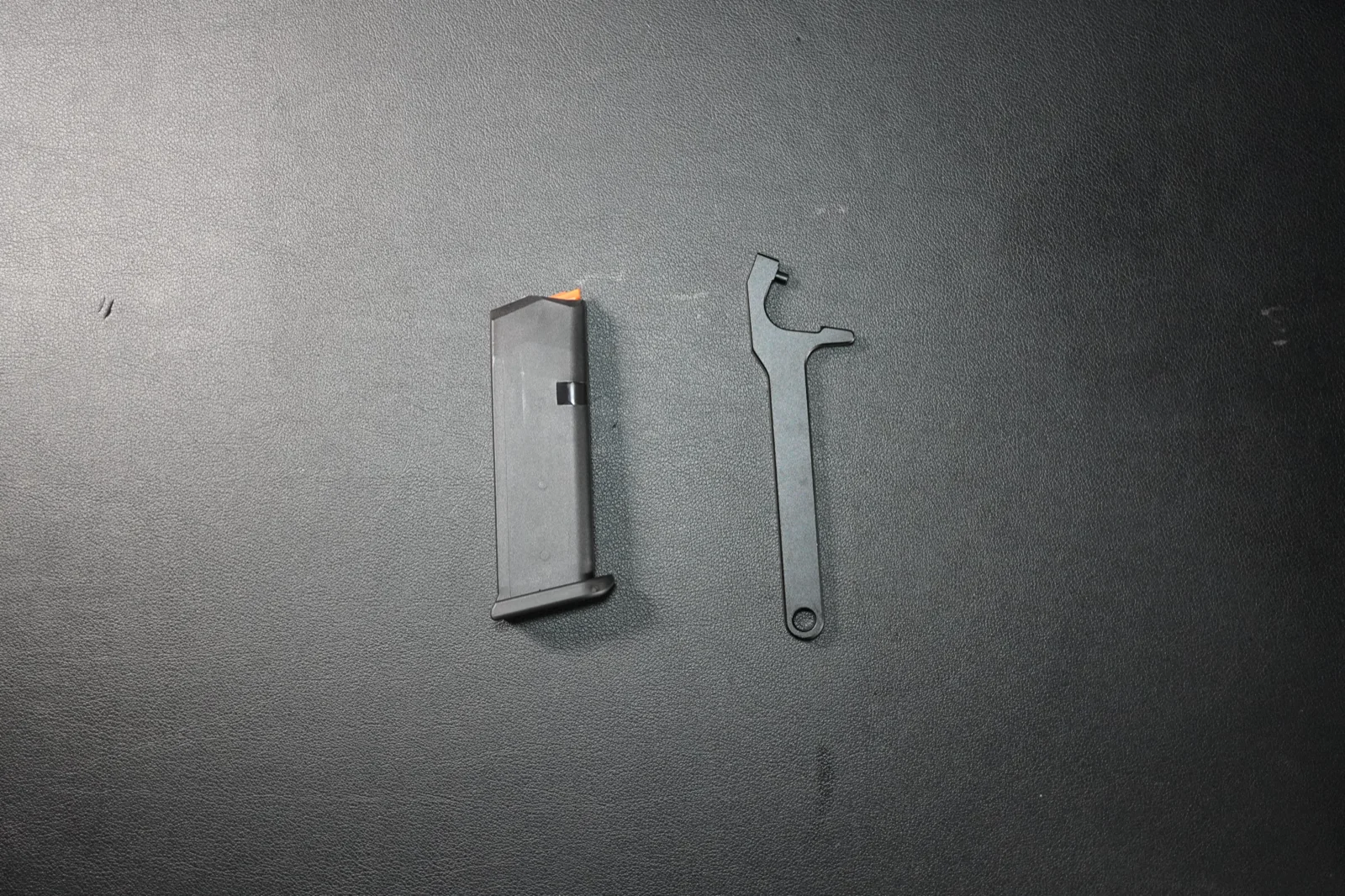
How to Disassemble & Reassemble a Glock Magazine (Step-by-Step Guide)
Step-by-step guide to safely disassemble and reassemble a standard Glock magazine. Works for the Glock 17, 19, and 26 OEM double-stack magazines.
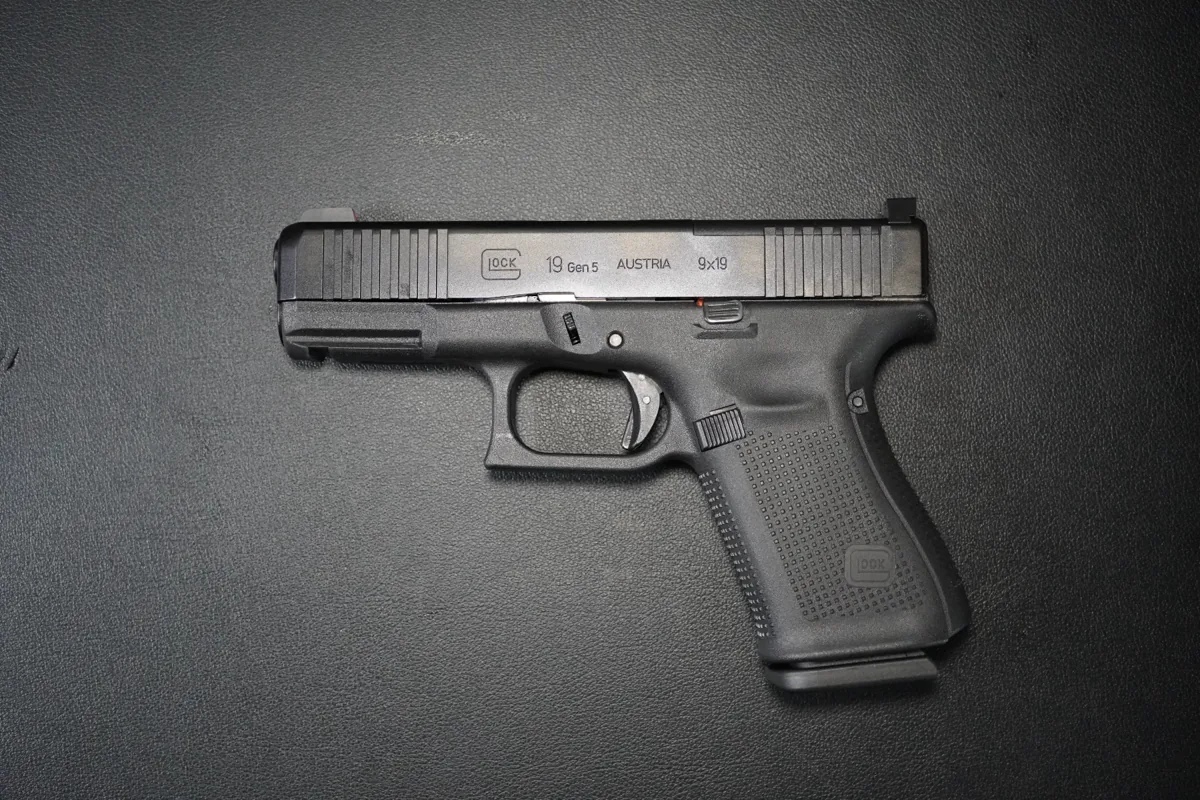
How to Field Strip a Glock 19 (Disassembly & Reassembly Guide)
Step-by-step beginner's guide to field strip and reassemble the Glock 19 — no takedown tool required. The same steps apply to the Glock 17, 19X, 26, and 45.